
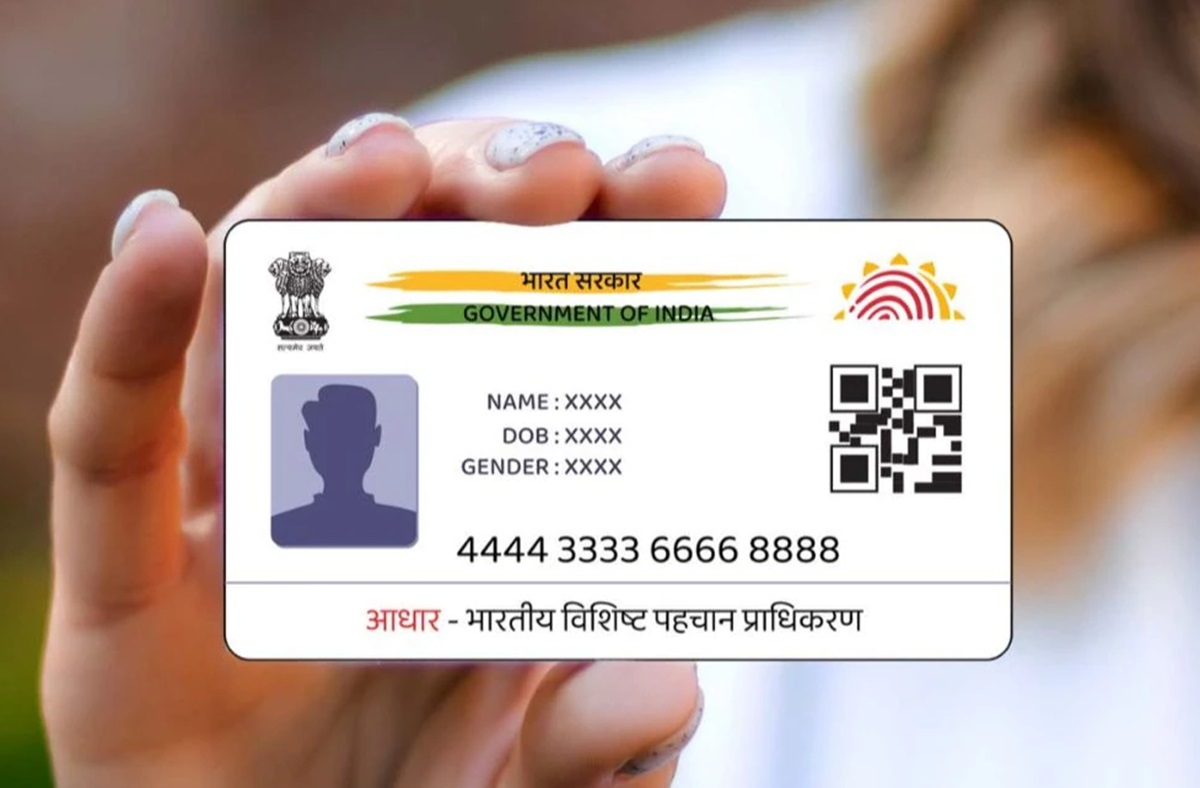
Downloading an Aadhaar Card can now be done through WhatsApp using the Government of India’s MyGov Helpdesk service. The facility can make it easier for users to access their Aadhaar when they do not have the original document with them, without having to go through the UIDAI website and its download process.
The process begins with saving the MyGov Helpdesk WhatsApp number, +919013151515, to your phone. Once the number has been saved, open WhatsApp and send “Hi” or “Namaste” to the Helpdesk. You will receive an automated response offering two services, COWIN Services and DigiLocker Services. To access your Aadhaar, select the DigiLocker Services option.
You will then need to confirm your DigiLocker account. If you do not have an account, you will have to create one before continuing. After confirming the account, enter your 12-digit Aadhaar number when prompted.
An OTP will be sent to the mobile number registered with your Aadhaar. Enter the OTP to complete the verification. Once the verification is successful, a list of documents associated with your DigiLocker account will be displayed. Select Aadhaar Card from the list, and your Aadhaar document will be downloaded through WhatsApp.